
Resources are from Canva.
Disclosure: I earn a commission from Canva if you use my referral link to purchase or upgrade to Canva Pro at no added cost. Thanks for your support.

Design with Canva brings your social media to life.
Have you ever wondered how your favorite influencers get their photos’ looking so good? It’s no secret!
Canva’s easy-to-use social media templates will make you look like the next big influencer. Wow, your followers with dazzling content that’s always in the right format for the right platform.
Better still, share directly from your Canva mobile app in just two taps.
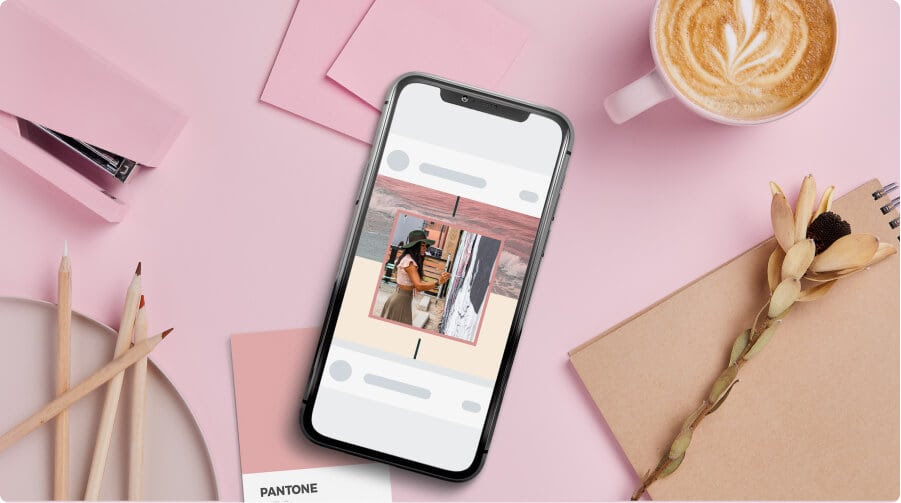
Add a bit of personality to your stories.
Follow these simple steps to level up your Instagram Stories and make them the best they can be.
Tip 1. Consistency is key.
Identify the filters you like and stick to them to give your content a certain ‘look’. This develops your online aesthetic helping viewers distinguish you from others.
Tip 2. GIF me more.

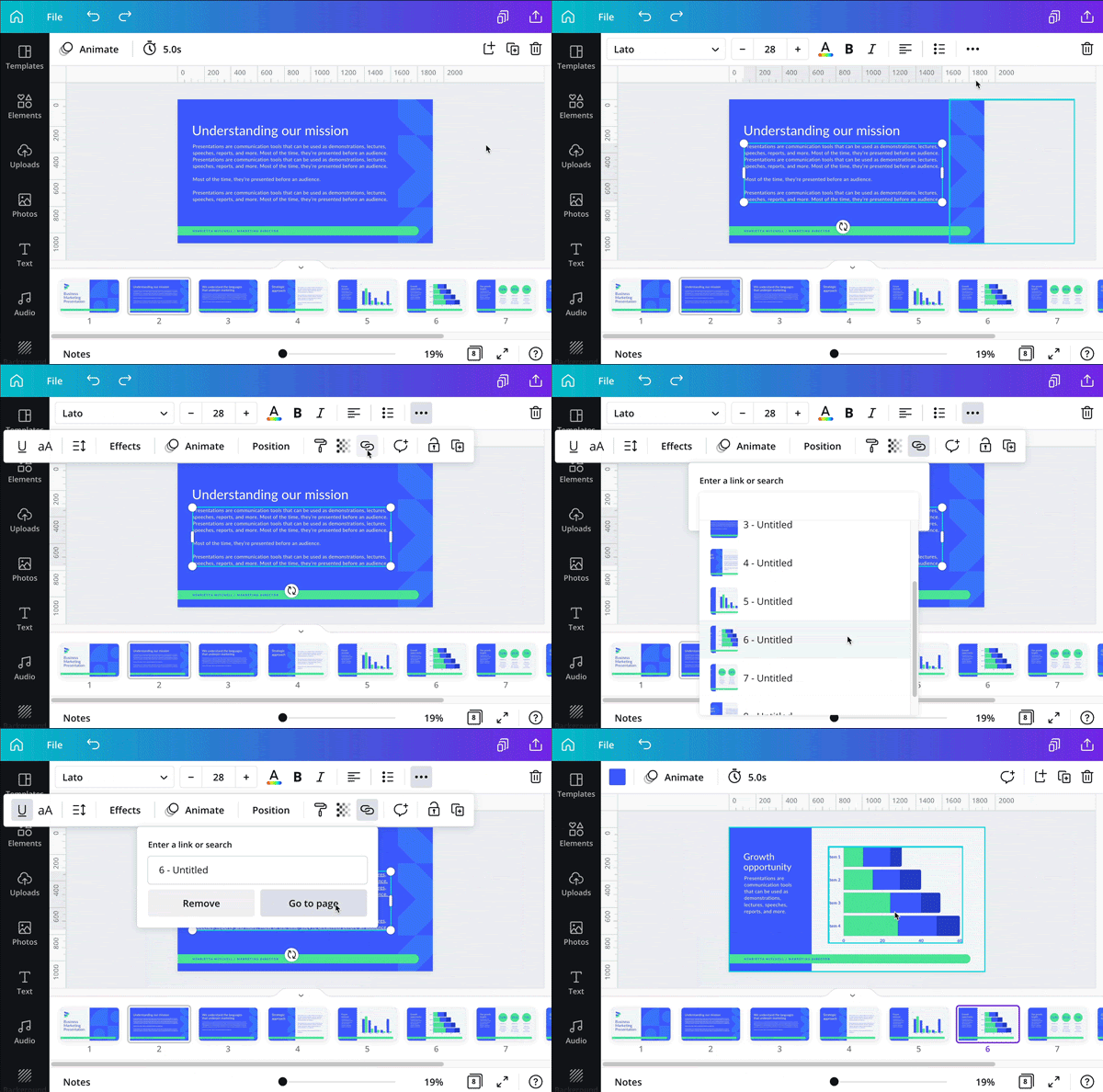
Spice up your content with animated GIFs, or as Canva likes to call them ‘Stickers’.
These not only look great but can direct the viewer to points of interest and instruct them into action.
Such as ‘new post’ or ‘swipe up’ when you reach that coveted 10k followers.
Tip 3. A great first impression.

Now you’ve got your stories, you’re going to want somewhere to put them.
With Canva, you can create amazing Instagram Highlight covers to intrigue your viewers at a glance.

 Dropner Graphic Explainer