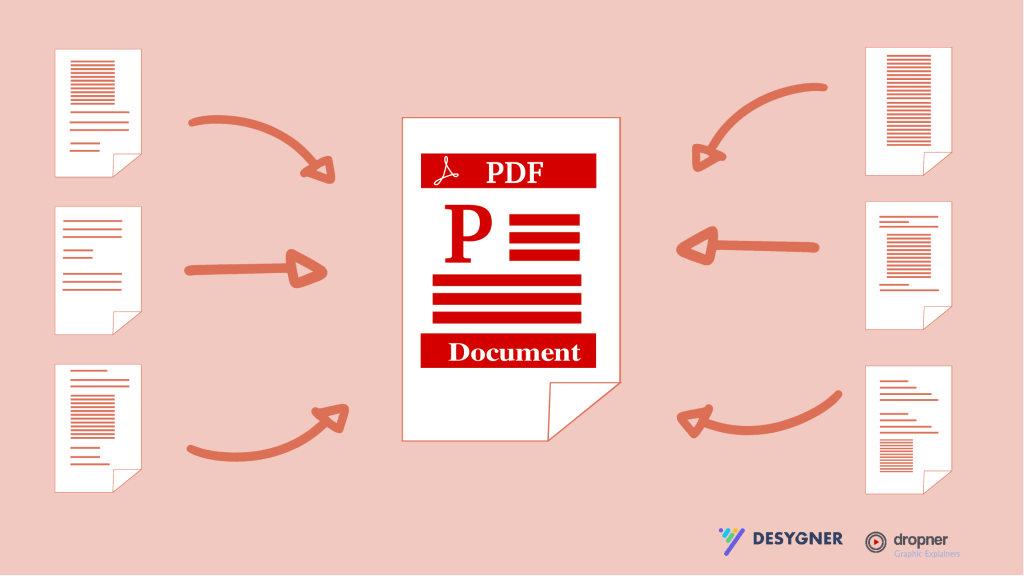
When you publish a lot, you may consider using a type of media kit, flyer, or proposal and providing your customers with the info in style.
The Pro+ includes PDF editing tools.
If you want the PDF editor tool, upgrade the free account to the Pro+ version to start creating. Those editing tools are only in the paid version.
How to use the import tool?
The import tool is straightforward, and it is easy to import and find it. You don’t have to be an experienced graphic designer to create unique works.
No experience is needed to work with Desygner. It would be time-consuming and not effective if you had to complete a design course to use it. You don’t have to with Desygner
To start and edit PDF files in the PDF editor.
Click on Import.
Edit it.
Get the right imagery in your work.
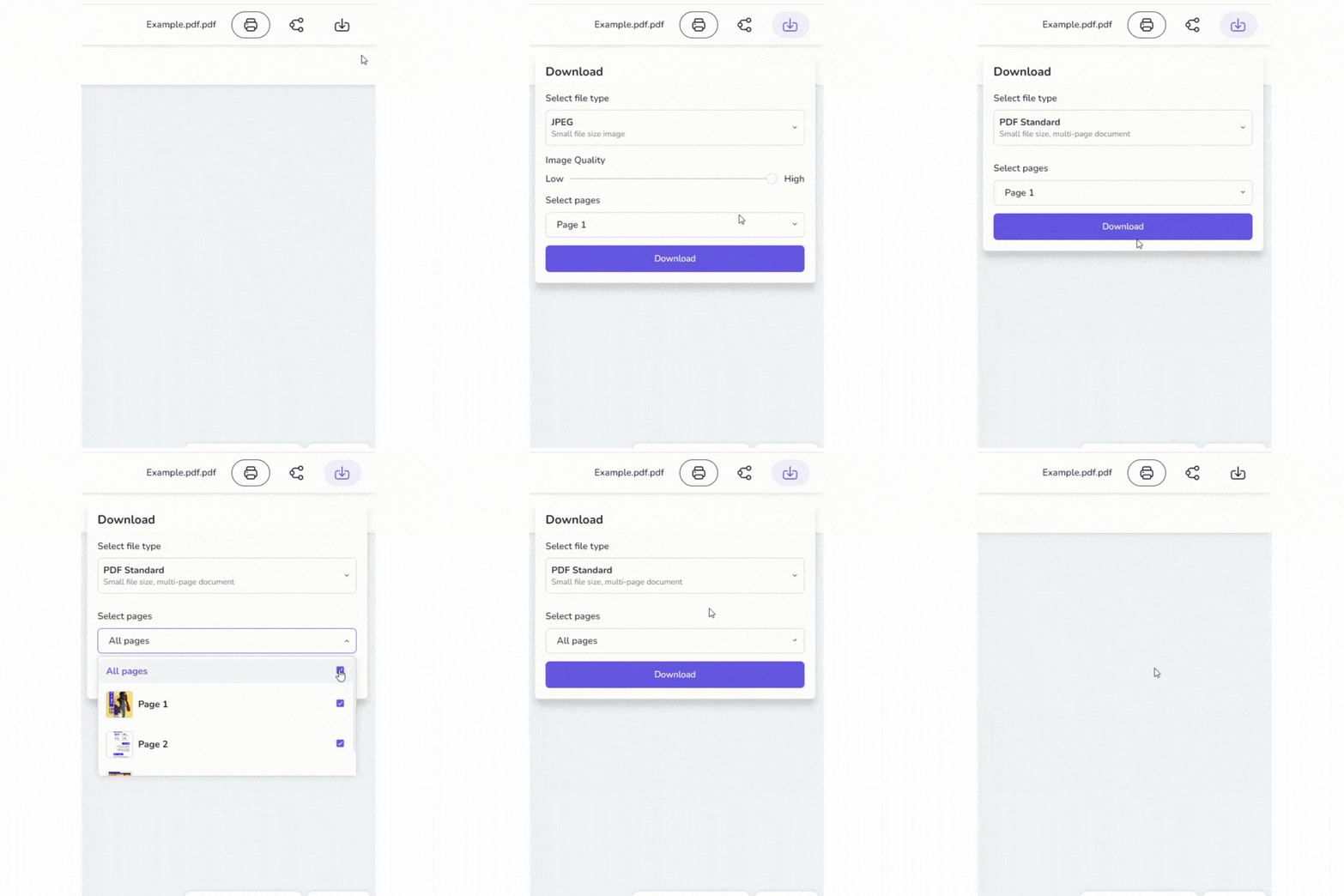
Are you done? Hit download.
I made a video about it so you can follow it. Watch it here 👇👇👇
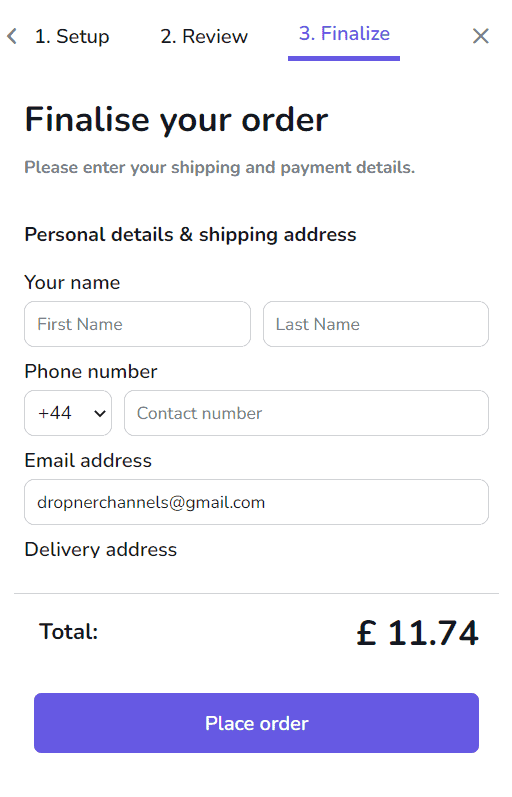
You can also order a print to hand out through their paid in-store. Don’t forget that your PDF must be inside the bleed area for a correct view.
Made to order
Order process 1
Order process 2
Order process 3
Bleed area
Conclusion.
Nowadays, there are a lot of PDF editing tools, and some are free. They offer nearly the same editor tools. The PDF editor tools from Desygner are straightforward and not complex to learn.
The best part of using this PDF editor tool is that it can boost your productivity and save you time, also, you can create high-end PDF files without experience. So you don’t have to struggle, and in the end, you reap the benefits.
This helps you to stand out from the online crowd. If you want to use it, then sign up for the Pro+. (14-Day Free Trial Included).
Download for Android
Download for macOS
Recommendation.
⭐⭐⭐⭐⭐
Rating: 4.5 out of 5.
This tool works well, and you can link and add videos.
It is flexible, although the competition is enormous. The design tools make the difference, it helps you to create awesome PDF files.
The design editor tools make it very easy to edit. (So you can work fast)